You can open the Pygmy Elephant Companion app Route feature in two ways.
Open the Route feature from the home screen
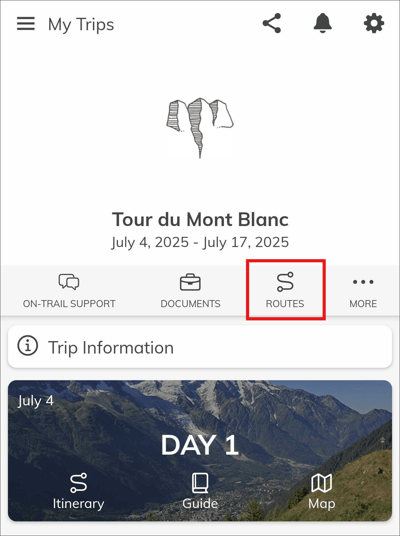
From the main trip screen, tap Routes near the top of the screen. This will open a list of the routes saved in your trip, ordered chronologically. Select a route from the list to view it in the app.
Open the route feature from the day’s itinerary
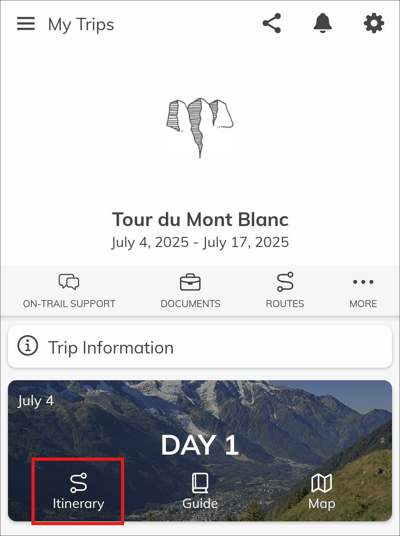
From the main trip screen, tap Itinerary on the day you are hiking.
Route feature location on iOS
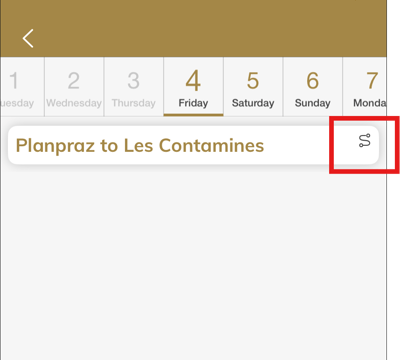
If you are using an iPhone, first find the hike stage for the day. It will be marked with a small route icon. Tap the hike title to open the detail view.
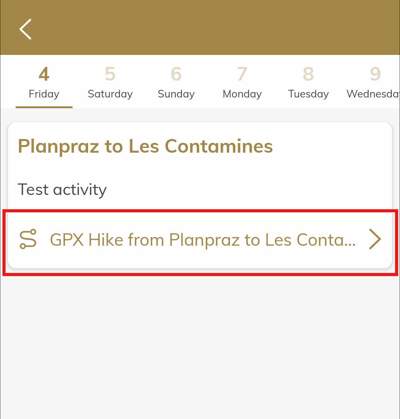
Scroll to the bottom of the hike detail view and tap the linked GPX route.
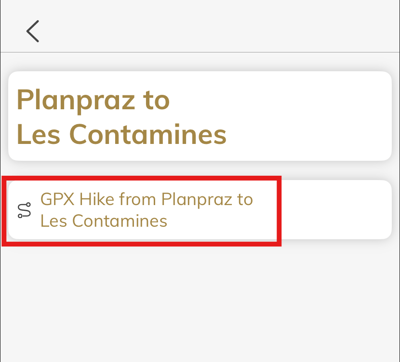
Route feature location on Android
If you are using Android, the linked GPX route is at the bottom of the hike detail view.