
Shortly before your trek, you will receive an email with instructions on how to download the Pygmy Elephant Companion app, as shown in the screenshot below.
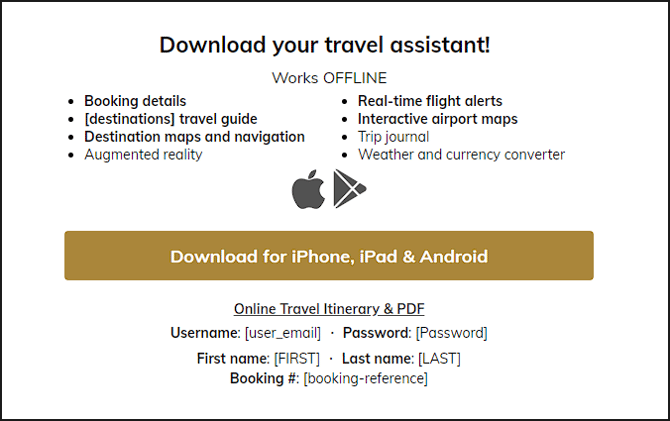
Clicking the brown button will open a webpage with a QR code; scan this QR code with your mobile device and you will be routed to the appropriate app store for download.
Before starting your trek, log in to the app and open your trip while connected to strong Wi-Fi. The app should automatically download your itinerary, maps, GPX routes, documents, and trip details for offline access.
If prompted in the app to download additional content or maps, complete these downloads while connected to Wi-Fi.